
aleksabet88 Brings Indonesia Play Into One Lobby
Live casino tables, slots, sportsbook markets, and quick wallet access sit on our home page so you can open your account and reach the full lobby without searching…
Access is available only where local law permits.
Casino and Slots From Home
The first game block on our home page separates live casino, slots, and sportsbook entry points, so you can decide where to go before the lobby expands.










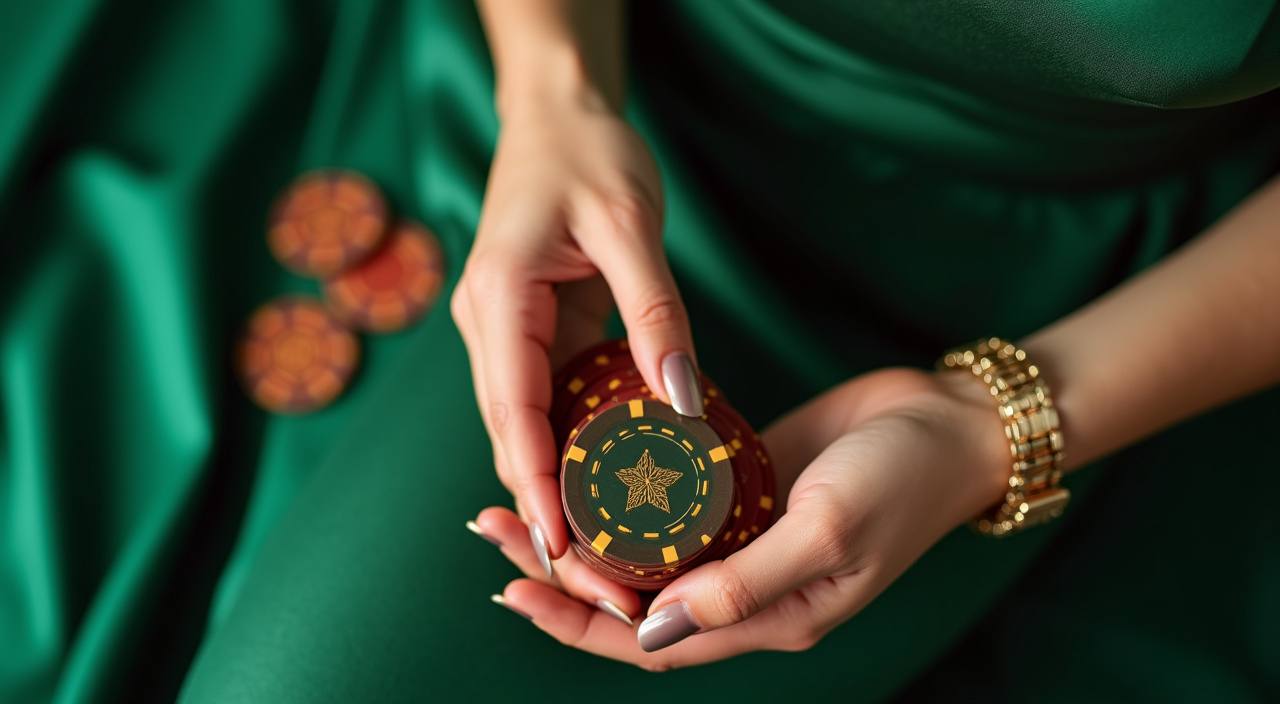
How Our Home Lobby Is Arranged

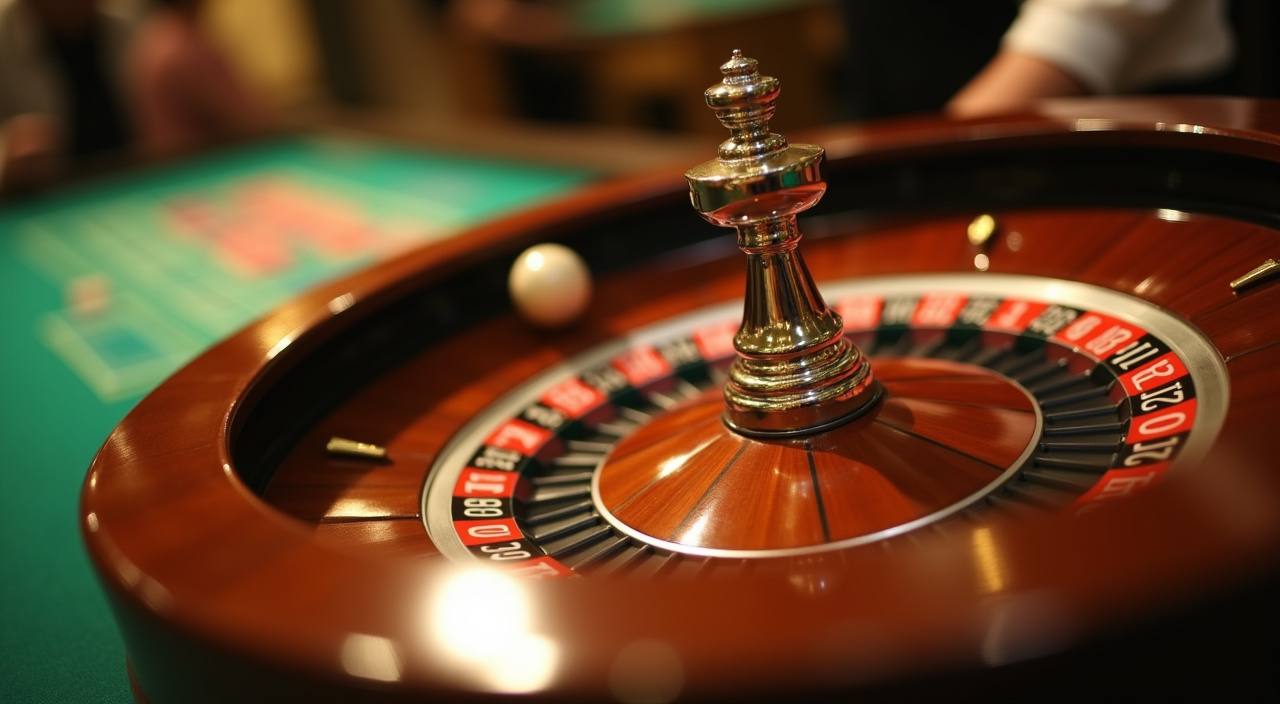
The home page is your control point before any round starts. We place live tables, slot rooms, fishing games, crash games, and sportsbook access in separate areas so you can move with fewer taps after login. If you usually open Auto Roulette first, the live casino route is kept near the main lobby button; if Buffalo King Megaways or Rocket
Crash is your plan, the slots and feature-game path is visible nearby. We also show wallet access early because Indonesian account holders often check DANA, OVO, GoPay, or QRIS status before choosing a room.
What You Can Check First

Opening Your Account From Home
Opening an account starts from the home button, not a separate form hidden deep in the site. We ask for your mobile number, a login name, a password, and the payment name you expect to use later. Keep the payment name aligned with your DANA, OVO, GoPay, or QRIS profile because that same detail is checked when you request a
withdrawal. After the form is accepted, you can access the lobby, open the cashier, and set your first game category without leaving the home flow.
Casino and Slots After Login
DANA OVO GoPay QRIS On Home
Local wallet access is visible from the home page because deposits and withdrawal checks are part of the first session for many Indonesian account holders. When you choose DANA, OVO, GoPay, or QRIS, follow the amount shown in the cashier and keep the payment receipt until your balance appears. Deposits usually post quickly, but network checks can take longer during
busy hours. For withdrawals, we compare your account name, wallet name, amount, and transaction reference before releasing the request through the selected rail.
Why Our Home Page Shows Details
We use the home page to show practical account details early, because you should not need to guess how login, wallet checks, or support contact works.
Clear wallet labels
We name DANA, OVO, GoPay, and QRIS directly in the cashier area, so you know which local rail you are choosing before sending funds or checking a withdrawal.
Account-name checks
Before a withdrawal moves forward, we compare the name on your profile with the wallet detail submitted. This reduces avoidable delays from mismatched payment records.
Mobile browser access
The home page is built for phone browsers, with category buttons, cashier entry, and chat access arranged for thumb use without a separate app download.
Visible help hours
Live chat and WhatsApp help are shown with our 09:00-02:00 WIB service window, so you know when to send transaction references or login questions.
Using Home On Your Phone
The home page adjusts to phone screens by stacking the lobby buttons, wallet row, and support access in a vertical path. You can add the site to your phone screen from the browser menu if you want to return faster, and your login session is handled through the browser rather than an app file. On slower mobile data, open one
category at a time; live tables such as Auto Roulette need steadier video loading than static slot lobbies, while games like Bingo usually refresh in lighter bursts.
Payment Choices Shown At Home
The home page places the cashier near the main account controls so you can confirm your balance route before entering a game.
Casino and Slots By Category
This home block keeps casino and slots categories easy to scan before the game cards open.
Indonesia Availability From The Home Page

Access is shown from the home page, but eligibility depends on local law and is available only where local law permits. We do not ask you to bypass regional rules or hide your payment identity; the account name and wallet record must remain consistent. If a page or cashier route is unavailable in your area, use live chat to ask
what account actions remain open. This keeps the first session clear: you can see the lobby, understand the wallet path, and decide whether your account can continue.
Support Links Built Into Home
Help access is part of the home page because payment and login questions often happen before you enter a room. We run live chat and WhatsApp from 09:00 to 02:00 WIB, and we ask for specific details rather than long explanations: account name, payment rail, transaction time, or screenshot. If your question is about a game tile, tell us the category you opened and the device browser you used.
Live chat
Use live chat for quick account checks, cashier questions, or a game tile that will not load. Share your login name and the exact page step.
WhatsApp help
WhatsApp is useful for receipt images from DANA, OVO, GoPay, or QRIS. Send the payment time, amount, and wallet name in one message.
Login support
If you cannot access your account, we check your mobile number, login name, and last wallet rail used before giving the next account step.
Keeping Your Home Session Safer
Your home session starts with the login details you control, so use a password that is not shared with your wallet app or social accounts. We recommend closing the browser tab after checking balance on a shared phone and avoiding saved passwords on devices used by other people. If you change your payment rail from DANA to GoPay, or from
OVO to QRIS, update the cashier detail before requesting a withdrawal so the account check does not fail on a name mismatch.
Questions Before You Use Home
These answers focus on the home page because that is where your first account, wallet, game, and support choices appear. If you need a detail not covered here, open live chat during the service window and include the page step you are viewing.